

If you have ever thought about making a website for yourself or your business, surely the name WordPress has more or less crossed your mind. This is the most popular Content Management System (CMS) in the world, accounting for over 43% of all websites globally. What makes it so well-loved? Why do both individuals and large corporations choose WordPress to develop their websites?
In this article, we will explore in detail everything from the concept, pros and cons, hosting, and the differences between WordPress.com and WordPress.org, to the types of websites you can build and the most useful plugins.
What is Wordpress
WordPress is an open-source software that allows you to build and manage websites easily. It was first developed in 2003 by Matt Mullenweg and Mike Little. Initially, WordPress was merely a blogging platform. But thanks to its outstanding scalability and flexibility, it quickly transformed into a massive website ecosystem.
Wordpress streng is it's open source. Anyone can download, install, modify, and develop it according to their needs. Along with that, WordPress possesses a massive community where millions of developers and users contribute plugins, themes, documentation, and continuously update it to make the platform more and more perfect.
Today, WordPress is no longer just a blogging tool. You can use it to build almost any type of website: from personal blogs, news websites, forums, and portfolios, to e-commerce sites or online learning platforms.
What is WP hosting
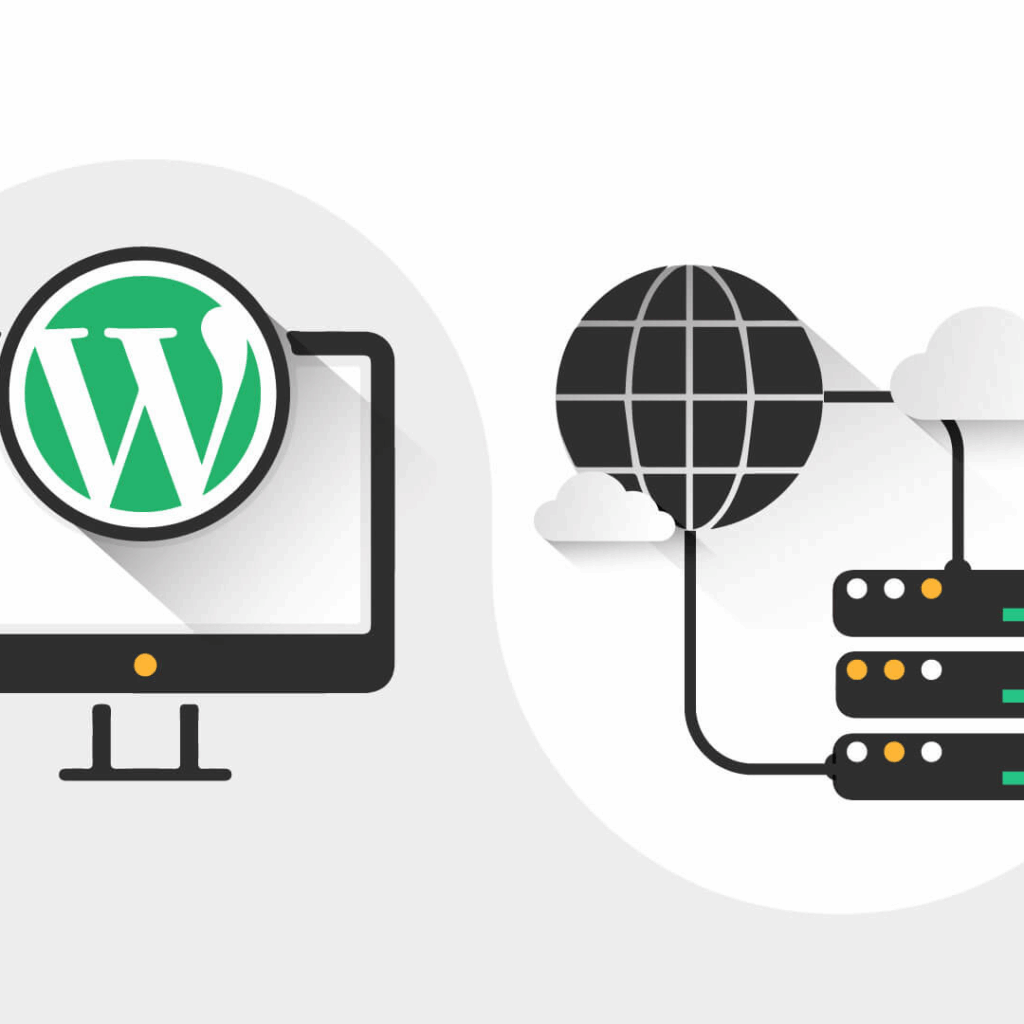
For a website to function, you need hosting — a website hosting service. And specifically for WordPress, there are WordPress Hosting specifically designed for this platform.
Unlike regular hosting, WordPress Hosting has outstanding advantages:
- Server optimization: Hardware and software configurations are specifically tailored for WordPress to run faster and more stably.
- Easy to install: Just a single click or automatically pre-installed when initializing the hosting.
- Auto update: WordPress versions, plugins, and security are always kept up to date.
- Built-in speed optimization: Built-in cache, CDN, gzip compression, and database optimization.
- Support: A technical team with deep WordPress expertise, helping to resolve issues quickly.
- Smart tools: A dedicated dashboard to manage multiple websites simultaneously.
If you want a smooth experience with fewer technical headaches, WordPress Hosting is definitely a choice worth considering.
Pros and cons of WordPress
Like any platform, WordPress has both its strengths and limitations.
Pros
- Easy to use Beginners can also get used to it quickly, with no programming skills required.
- Large community: Millions of users, developers, and designers are ready to share experiences, plugins, and themes.
- Massive plugin & theme library: Free and paid, easily expand features or change the interface.
- SEO friendly: Plugins like Yoast SEO or Rank Math support search engine optimization extremely effectively.
- Update continously Always patched for security vulnerabilities and updated with new features.
- Used for all types of websites, from personal blogs to e-commerce: Used for all types of websites, from personal blogs to e-commerce.
Cons
- Security Due to its popularity, WordPress is often a target for hackers. If not managed carefully, the website can easily be attacked.
- Effective: When installing too many plugins or using a heavy theme, the website may slow down.
- Advanced customization: People without technical knowledge sometimes find it difficult to make deep customizations.
- Hosting dependency: Whether a website runs fast or slow also depends on the quality of the hosting
WordPress.com vs WordPress.org – What's the difference?
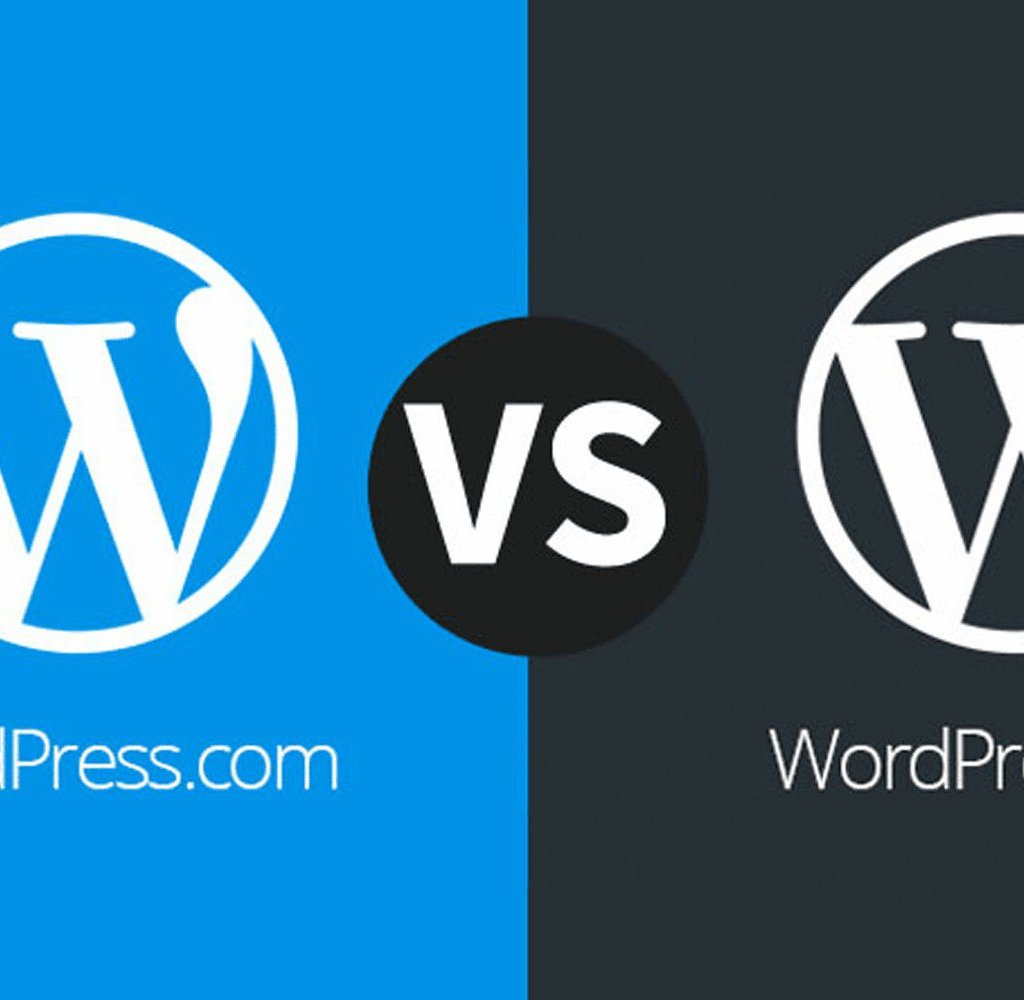
Many people often confuse WordPress.com and WordPress.org. In reality, they are two different models:
| Criteria | WordPress.com | WordPress.org |
|---|---|---|
| Hosting | Được WordPress.com cung cấp | Tự chọn hosting bên thứ ba |
| Cài đặt | Không cần cài đặt, chỉ đăng ký là dùng | Tải về và tự cài trên server |
| Tùy chỉnh | Giới hạn, không truy cập mã nguồn | Toàn quyền chỉnh sửa mã nguồn |
| Plugin & theme | Bị giới hạn | Cài bất kỳ plugin và theme nào |
| Quảng cáo | Có thể xuất hiện nếu không trả phí | Không có mặc định |
| Kiểm soát | Ít quyền kiểm soát | Toàn quyền kiểm soát |
| Chi phí | Có bản miễn phí, gói trả phí nâng cấp | Phần mềm miễn phí, tốn phí domain & hosting |
Conclusion
- If you want a fast, simple solution without having to worry about technical details → WordPress.com.
- If you want flexibility, maximum customization, and total control → WordPress.org.
What types of websites can WordPress create?
With WordPress, you can build almost any type of website:
- Personal blog – share experiences, journals, and perspectives.
- Bussiness website – introduce products, services, and build brand identity.
- Online store – thanks to the WooCommerce plugin, you can sell online professionally.
- News website update news across multiple fields.
- Forum a place for everyone to discuss.
- Portfolio - showcase projects, designs, and personal images.
- Educational website – share lectures, learning materials, and online courses.
- Non-profit organization – convey messages and community activities.
Useful WordPress plugins
One of the greatest strengths of WordPress is plugin – feature extension tools. Some notable plugins include:
- Yoast SEO – SEO optimization, easy configuration of keywords, meta, and sitemaps.
- W3 Total Cache / WP Super Cache – speed up page loading times using caching.
- Akismet – prevent spam in comments
- Jetpack – integrates multiple features: security, optimization, and statistics.
- Contact Form 7 - create professional contact form
- WooCommerce – build a powerful online store.
- Google Analytics for WordPress - follow and analyze traffic
- UpdraftPlus - save and recover data
- MailChimp for WordPress - email marketing management.
Depending on your needs, you can choose the right set of plugins to optimize your website.
FAQ
Do I need to know programming to use WordPress ?
No. The user-friendly interface allows anyone to easily create and manage a website
How to install WordPress?
ou can download it from WordPress.org and install it yourself on your hosting, or use a hosting service that comes pre-installed.
Is it safe ?
Yes, if you regularly update to the new version, use security plugins, and choose a reputable hosting provider.
Can be customize ?
With thousands of plugins and themes, you can transform your website into any type you want.
Conclusion
From a simple blogging tool, WordPress has become the most popular website platform in the world. With its free, easy to use, versatile, and flexible, WordPress is the top choice for both beginners and large enterprises.
If you are looking for a way to start building a website quickly, cost-effectively, and efficiently, try WordPress. With just a few clicks, you can own a professional website that is ready to go.
Add a Comment